Gather all your design inspiration in one place
Save a full page, a region of it, or the real SVG behind a logo — from any site, into one private library.














Introduction
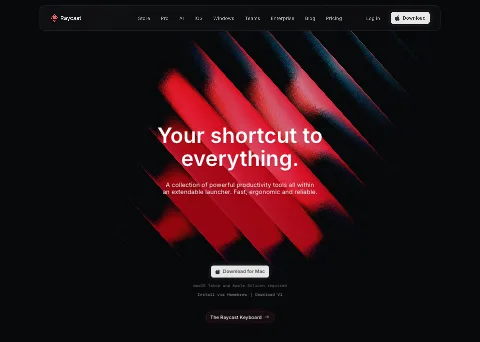
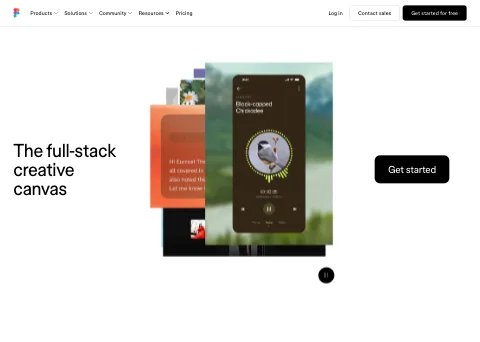
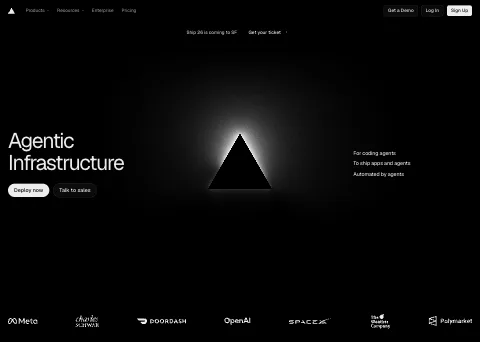
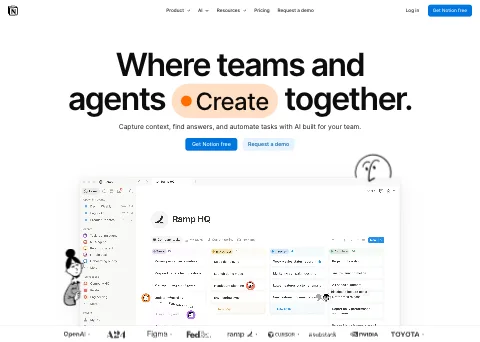
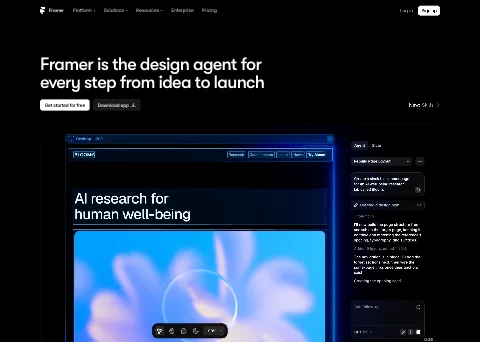
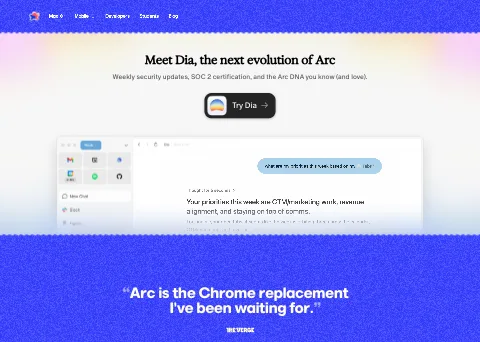
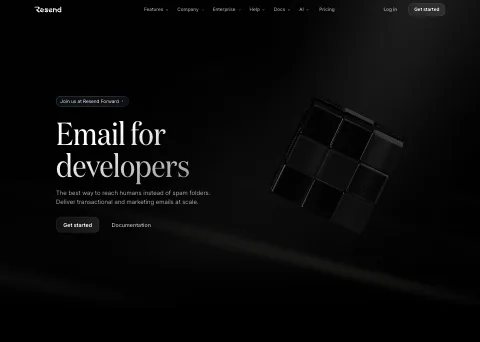
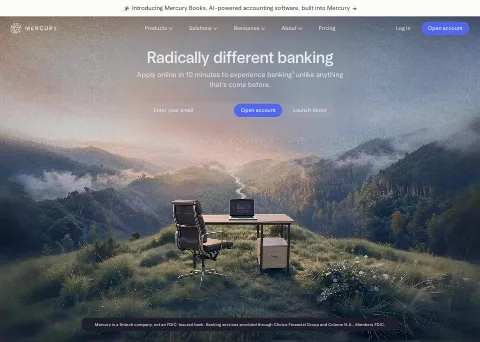
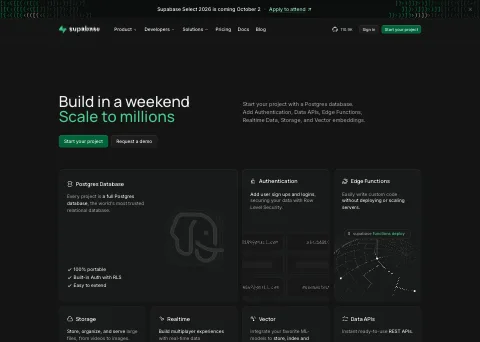
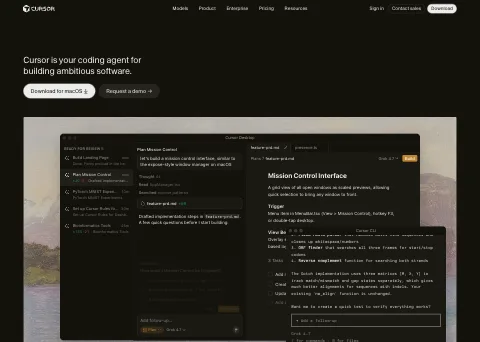
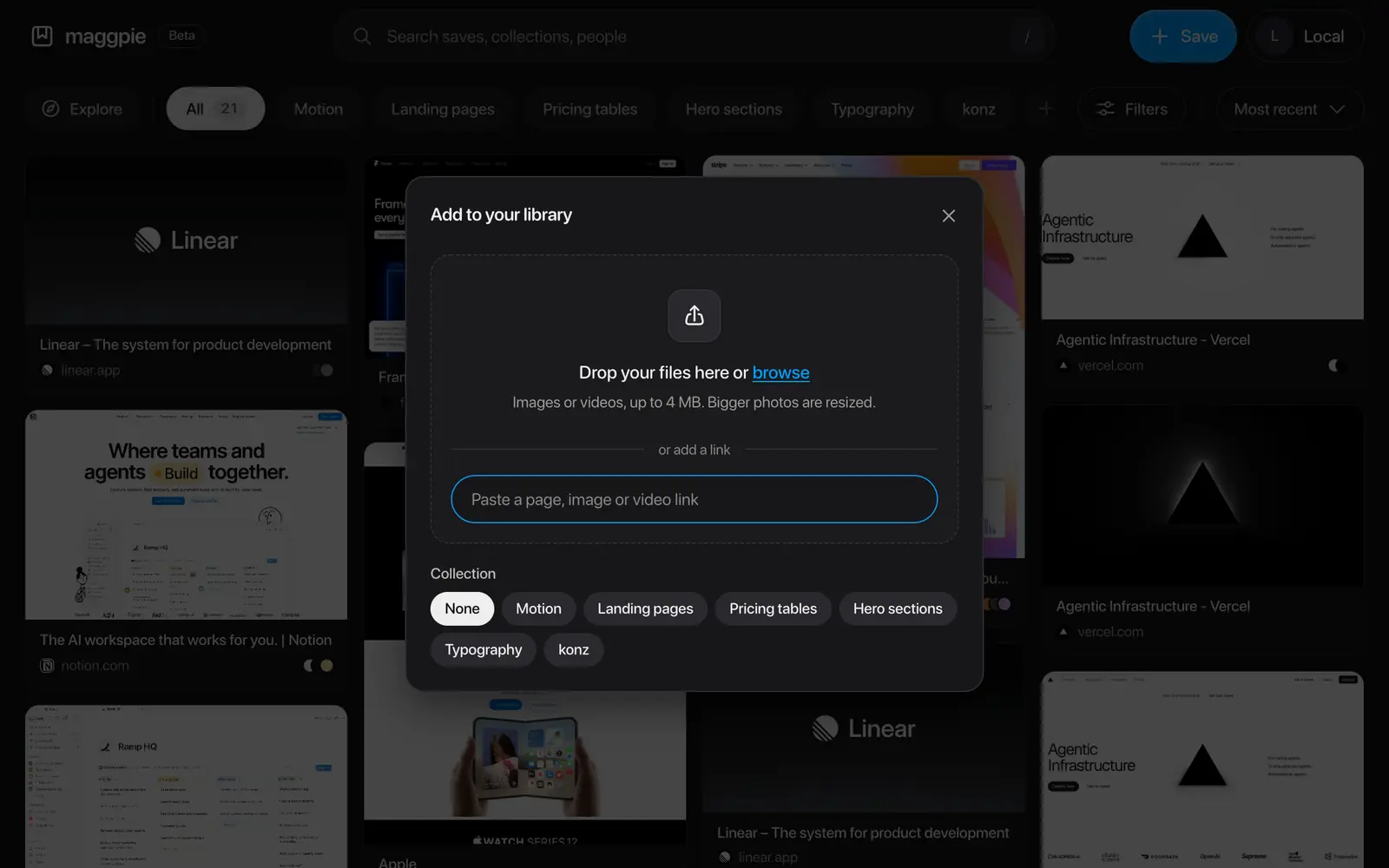
Maggpie is a private library for design references. Save a full page, a region of it, an image, a video, or the real SVG behind a logo — from any website, in two clicks.
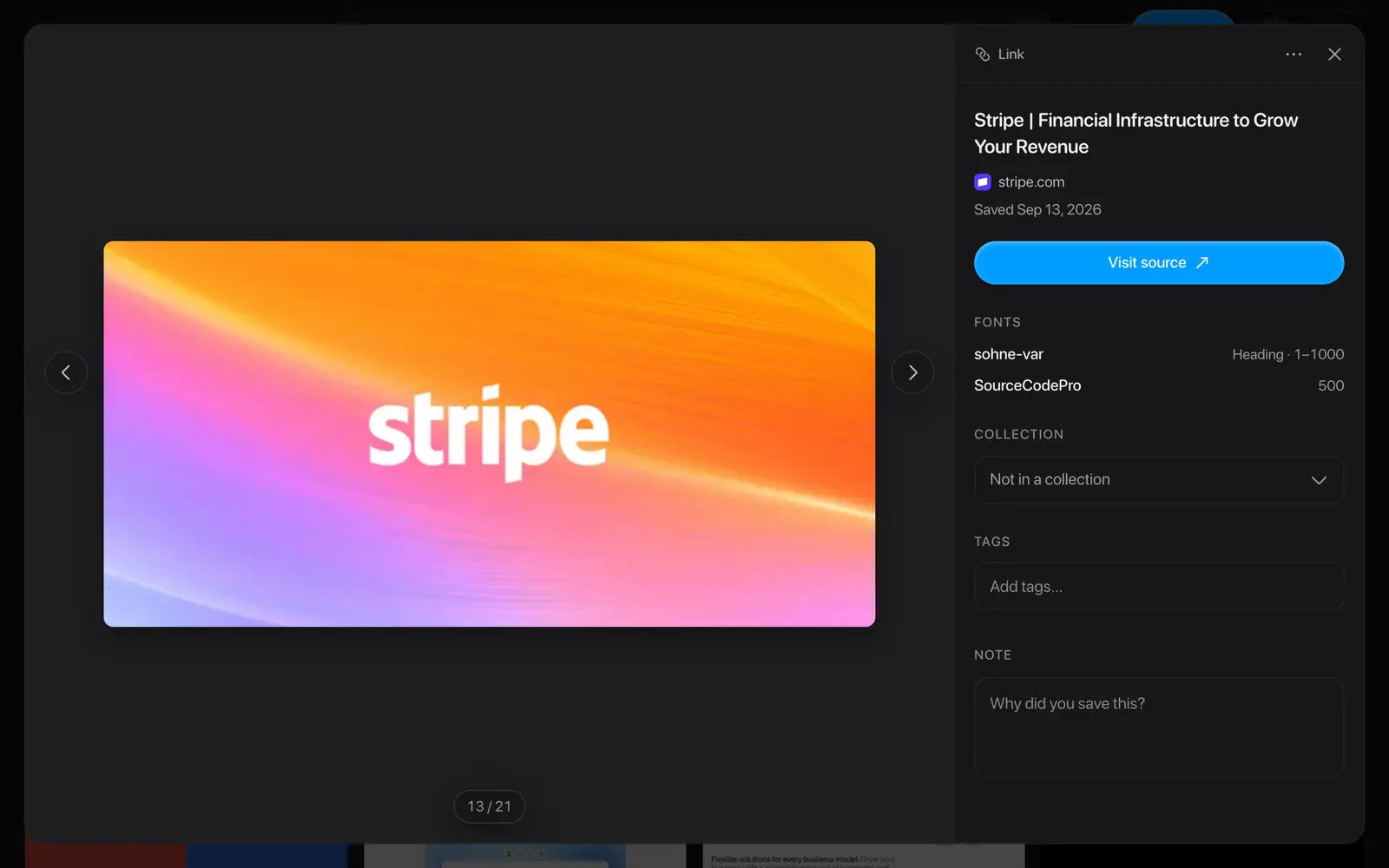
What you save keeps its source. Every capture holds the page it came from, the colors in it and the fonts it uses, so a reference you saved in March still answers questions in November.
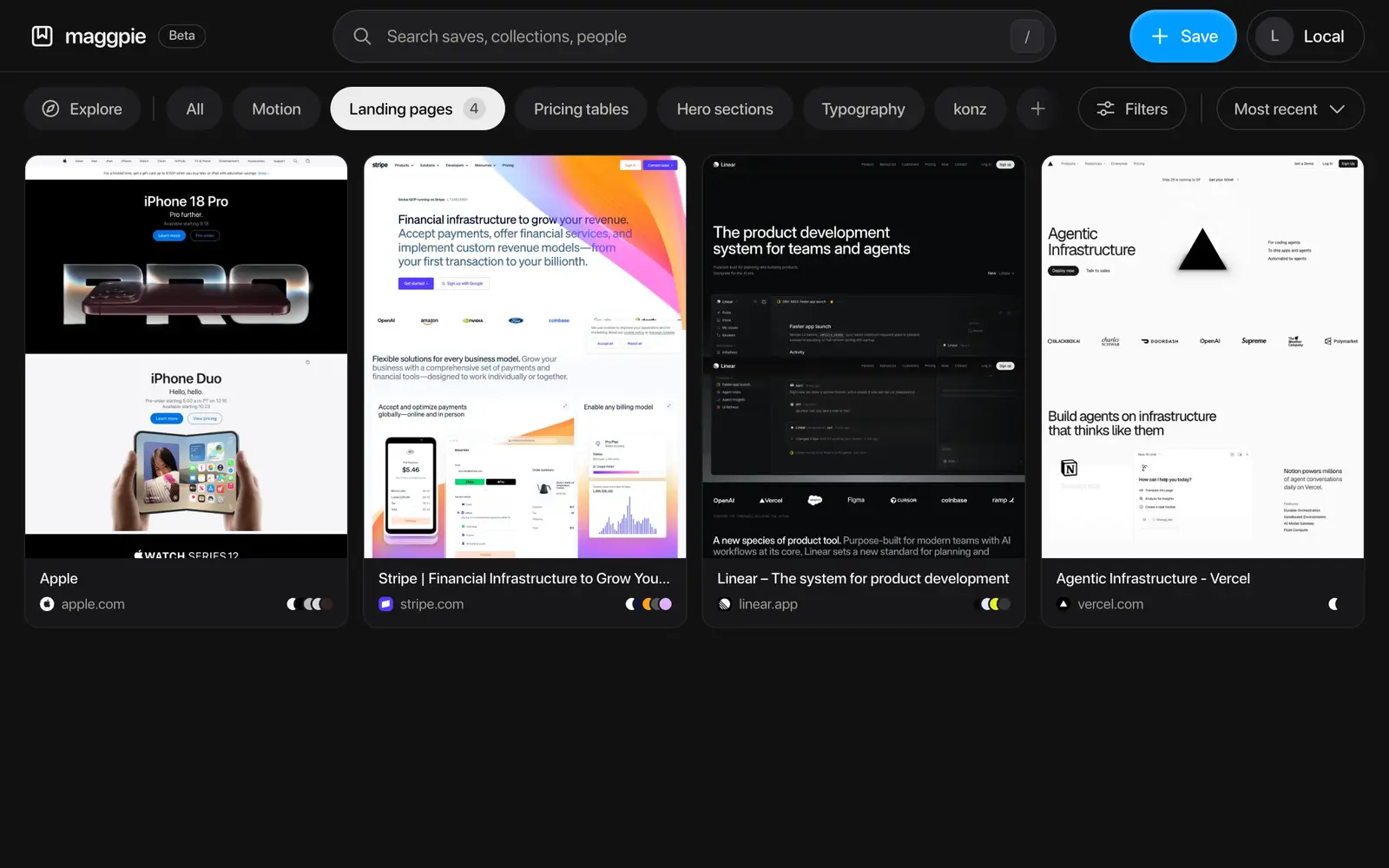
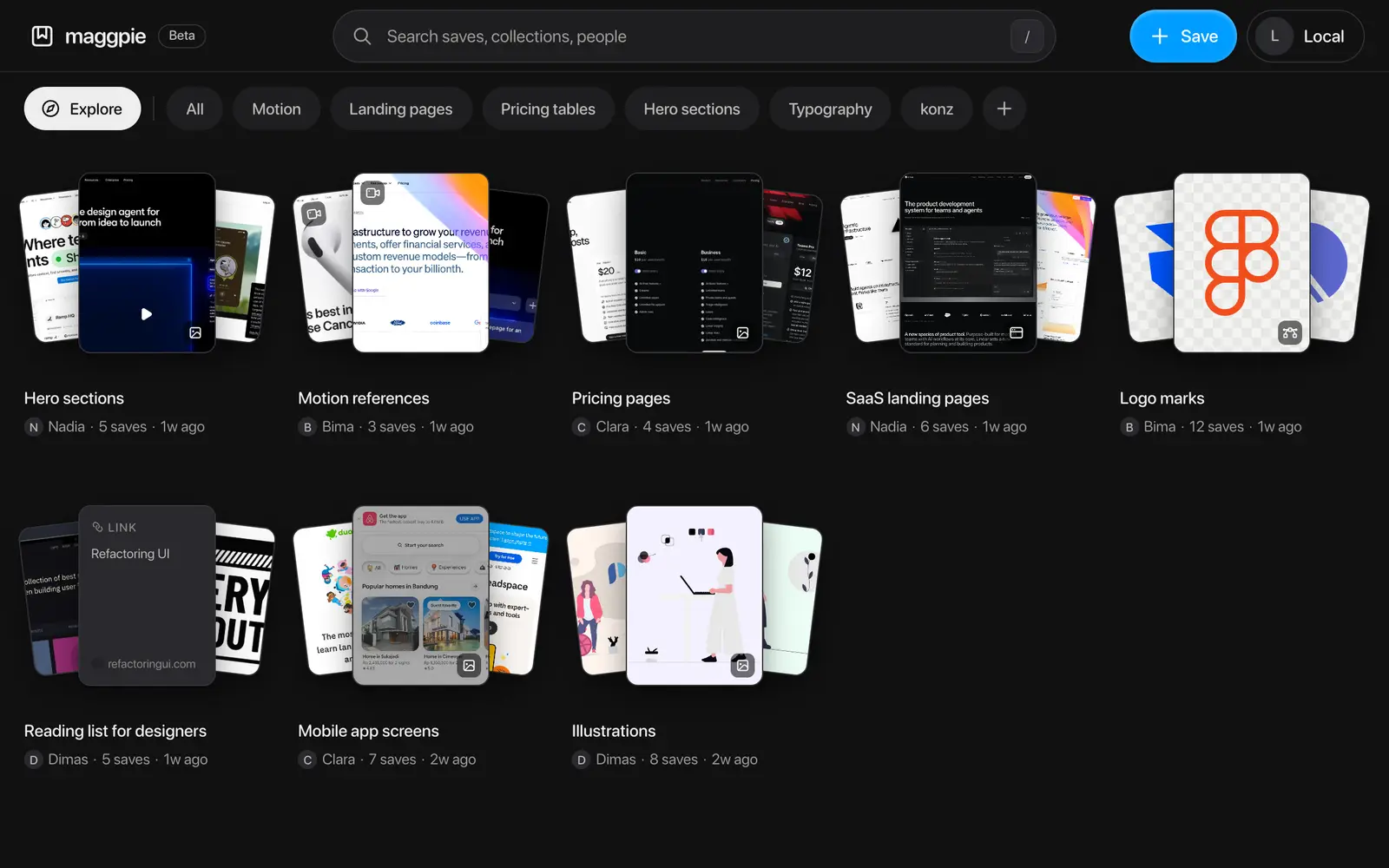
Collections, tags and filters keep the pile in order. Make a collection public and send one link — the rest of your library stays private.
Features
Save a full page, a region,
or the file itself
Who it's for
Built for everyone who collects references
However you work, Maggpie keeps what you found and where it came from.
Designer
Gather what you like before a rebuild, with every source still attached when you come back to it.
Developers
Exact colors and the original asset, straight off the element you picked.
Marketing
A collection per client, handed over as a link they can open without an account.
- Get Started
And of course, it's for you
Whatever you collect, and whoever you collect it for — start a library of your own in about a minute. It's free while Maggpie is in beta.
FAQ
We've crafted responses to your questions.
Here are the most common questions answered. If yours isn't listed, just ask — Maggpie is run by one person who responds.
Ask to UsIs Maggpie free?
Yes. It's free while it's in beta, with no ads and no tracking. If paid plans arrive later, what you've already saved stays yours.
How do I save a whole web page as an image?
Open the page, hit Save page in the extension, and Maggpie scrolls it from top to bottom and stitches it into one image — including pages that scroll inside a panel rather than the window. The capture lands in your library with the address it came from, so you can always get back to the live page.
Can I download the SVG from a website?
Yes. Pick element highlights what you point at and takes the file behind it — the original SVG, image or video, not a screenshot of it. Copy the SVG straight out of the save when you need it in Figma or in code.
Do I need the extension?
No. You can paste a link or drop an image straight into the web app, and it still pulls out the title, colors and fonts. The extension is what lets you capture a whole page, drag out an area, or grab the real file behind an element.
Which browsers does it work in?
The extension is Chrome only for now. The library itself is a website, so you can browse, search and share your saves from any modern browser, including Safari and Firefox on a phone.
Is my library private?
Yes, by default. Nothing you save is visible to anyone else until you make a collection public, and then only that collection — the rest stays private.
Can I share with someone who doesn't have an account?
Yes. A public collection opens from its link for anyone, with no sign-up. They can look through everything in it without an account.
What exactly gets saved?
A full-page screenshot, an area you drag, the original SVG, image or video behind an element, or a plain link. Every save keeps its source address, the colors in it and the fonts the page used.
How is this different from bookmarks?
A bookmark is an address, and it breaks the day the page changes. Maggpie keeps the page as you found it — the full-page capture, the real files, the colors and the fonts — so a reference still works after the site has been redesigned or taken down.
Start collecting now
Free, with no ads and nothing tracked. Sign up and save your first page in about a minute.